GENERAL INFORMATION
OUTLINE OF CHANGE
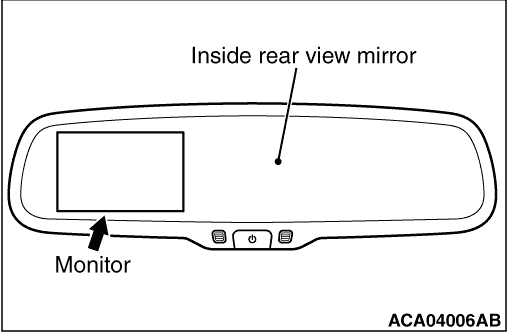
OPERATION
- When the shift lever <M/T> or selector lever <A/T> is moved to the R (Reverse) position with the ignition switch ON, the rear view monitor (integrated in inside-rear view mirror) displays the rear view via the rear-view camera automatically.
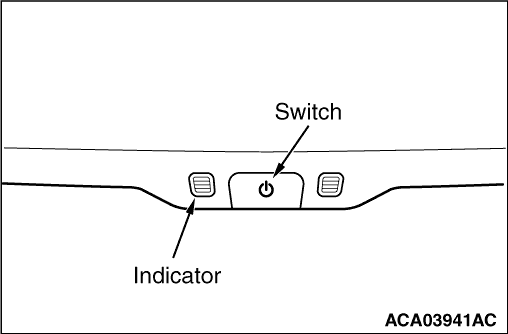
- The indicator illuminates green when the rear view monitor (integrated in inside-rear view mirror) displays the rear view.
- Functions can be changed over each time the switch is pressed.
SWITCH OPERATION AND SYSTEM OPERATION
| Time for the switch to be pressed (second) |
Operation |
| 0 - 6 |
Monitor on and off. When the ignition switch is turned ON, the monitor will be switched on automatically.If the switch is pressed to switch the monitor off, the indicator illuminates orange. |
| 6 - 12 |
Language selection for warning text on the monitor. Languages is changed over each time the switch is pressed.An applicable language will be memorized in five seconds after it is selected. |
| 12 - 15 |
Setting the monitor to be always off. The indicator illuminates orange.When the ignition switch is turned ON at the next time, this monitor-OFF setting is memorized.If the switch is pressed, the monitor will be restored. |