|
|
Check the items below in the MMCS service mode. (Refer to  .)
|
|
|
- Perform "Network/Connect Line Check" in the MMCS service mode to check that the communication and wire connection with the GPS are in good condition.
- Perform "Vehicle Signal Check", and then check the status of the vehicle speed signal.
- Perform "Sensor Check", and then check the status of the vehicle speed sensor and the gyro sensor.
|
|
|
Q.
Is the check result normal?
|
|
|
YES (OK for all) : Go to Step 6.
|
|
|
|
|
|
NO (GPS is not OK) : Go to Step 2.
|
|
|
|
|
|
NO (The vehicle speed sensor is not OK, or vehicle speed pulse does not increase after starting from a standstill) : Go to Step 3.
|
|
|
|
|
|
NO (Gyro sensor is not OK) : Go to Step 6.
|
|
|
|
|
|
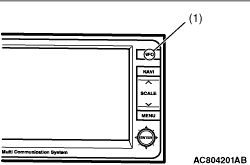
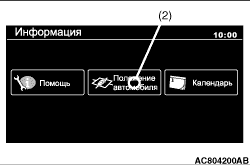
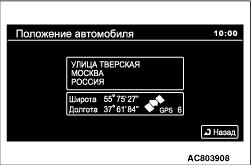
(1)Start the multivision display.
|
|
(4)Check if the GPS signals are received.
Q.
Is the check result normal?
 Go to Step 6.
 Perform Inspection Procedure "GPS signal cannot be received" (Refer to .), and then go to Step 6.
|
|
|
Check whether the speedometer works normally. (Refer to .)
|
|
|
Q.
Is the check result normal?
|
|
|
Diagnose the combination meter. (Refer to Combination meter - Troubleshooting .)
|
|
|
|
|
|
Q.
Is the check result normal?
|
|
|
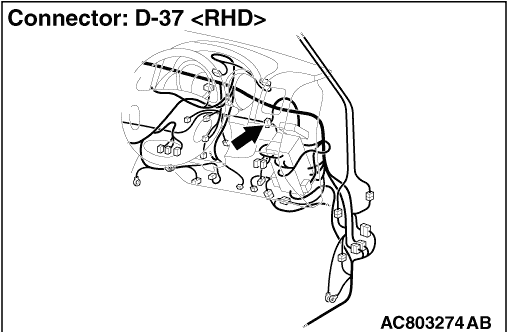
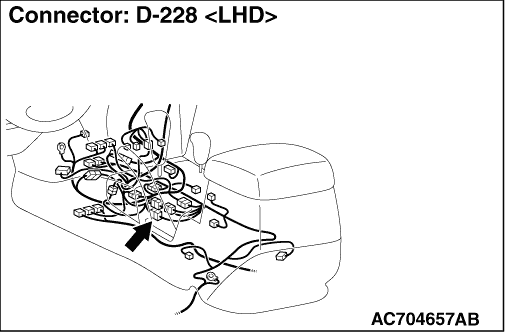
Repair the defective connector.
|
|
|
|
|
|
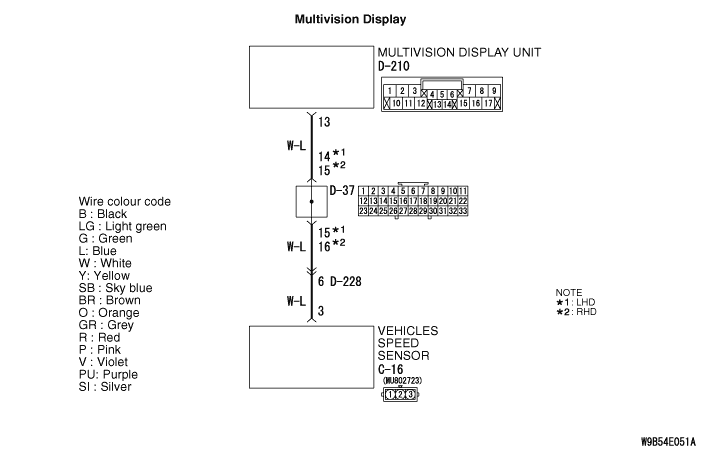
- Check the communication lines for open circuit and short circuit.
|
|
|
Q.
Is the check result normal?
|
|
|
Repair the wiring harness.
|
|
|
|
|
|
Drive the vehicle for some time with the GPS signals being received, and check if the own vehicle mark is dislocated.
|
|
|
Q.
Is the check result normal?
|
|
|
The trouble can be an intermittent malfunction (Refer to GROUP 00 - How to use Troubleshooting/inspection Service Points - How to Cope with Intermittent Malfunction ).
|
|
|
|
|
|
Replace the multivision display.
|
|
|
|